

Which routers are adapted for browsing through Bezeq ADSL infrastructures only!
1. Open a browser and write in the address bar the following address 192.168.1.1

2. In the window that opens, type the username and password Admin and click OK.
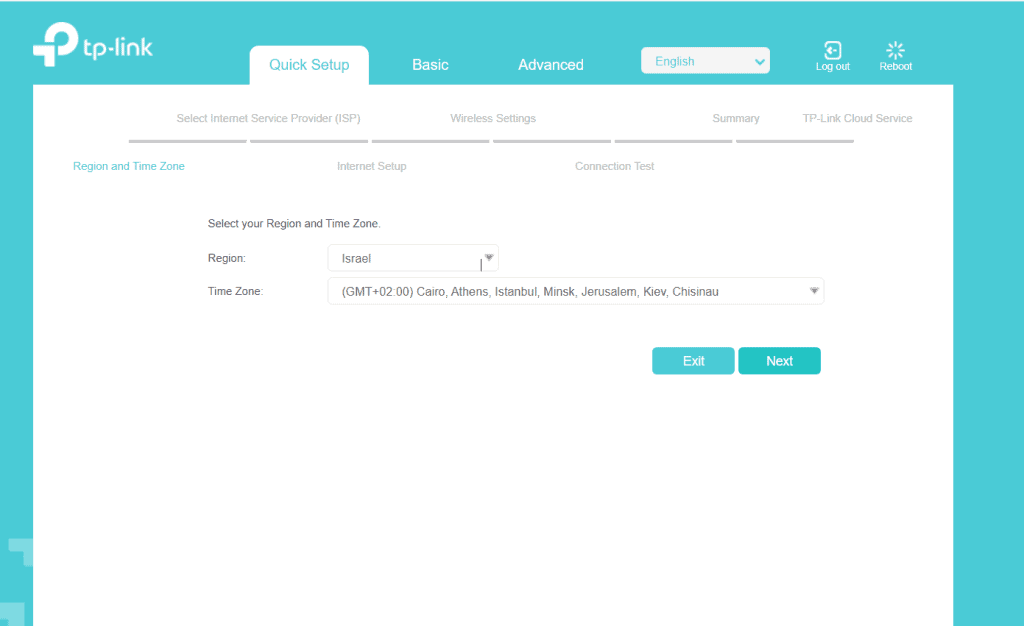
3. In the next window select Israel ->NEXT
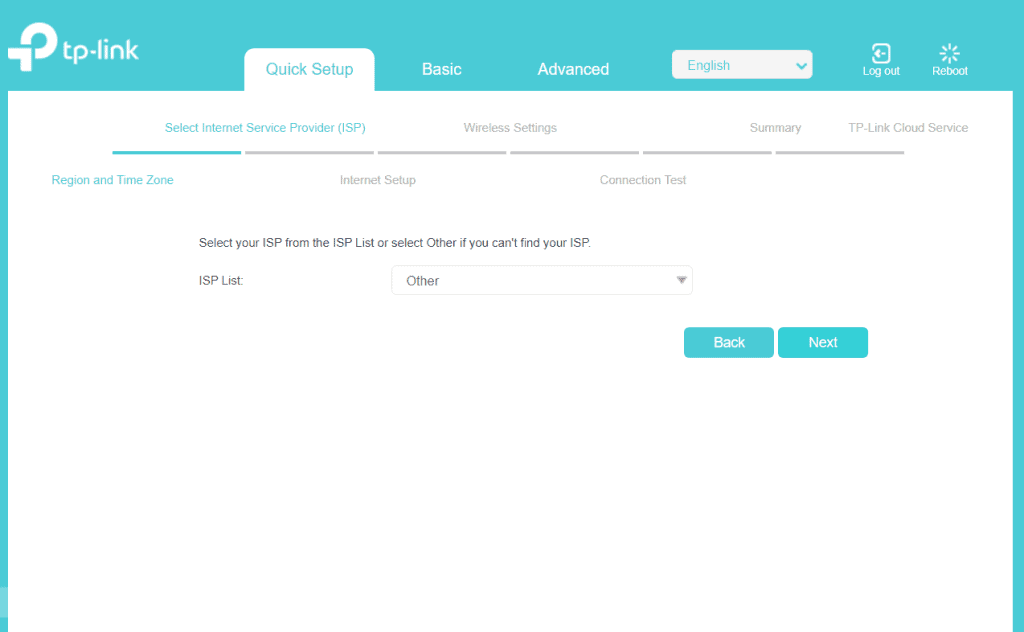
4. In the next window, select Other -> NEXT
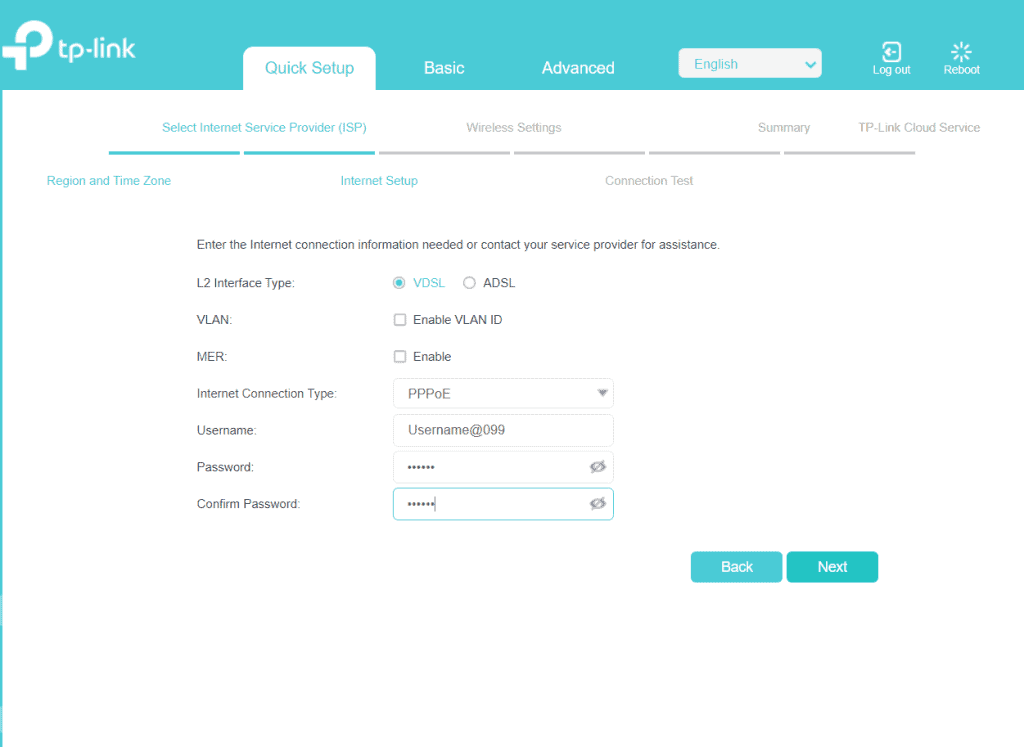
5. In the next window select username@099 and your password-> NEXT
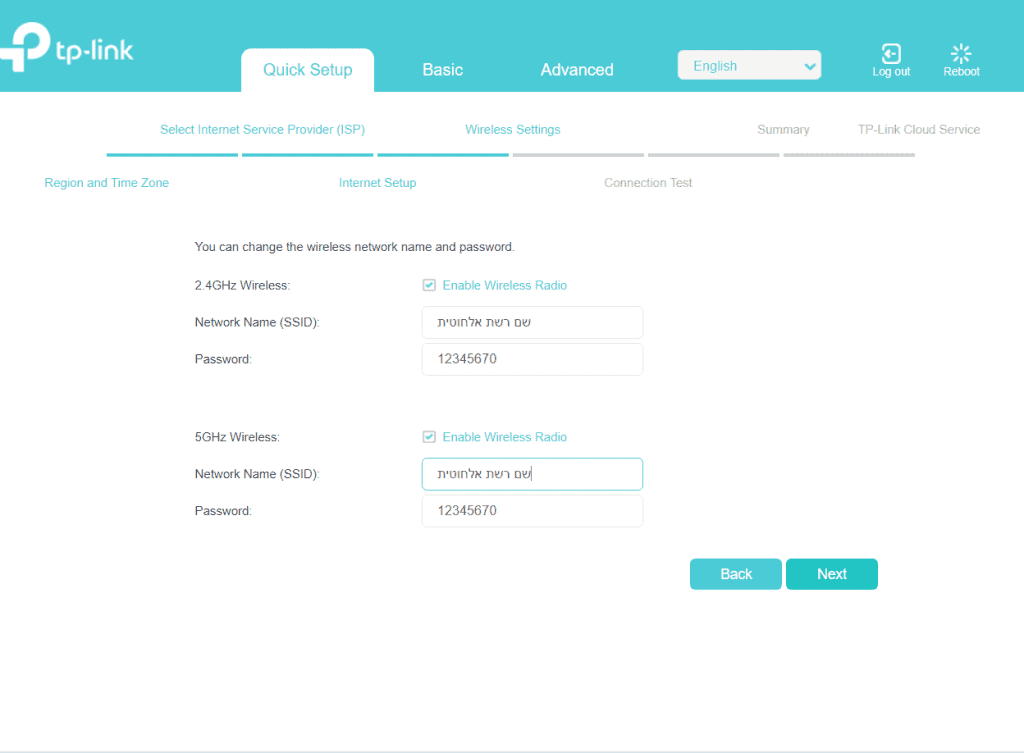
6. In the next window select wireless name and password-> NEXT
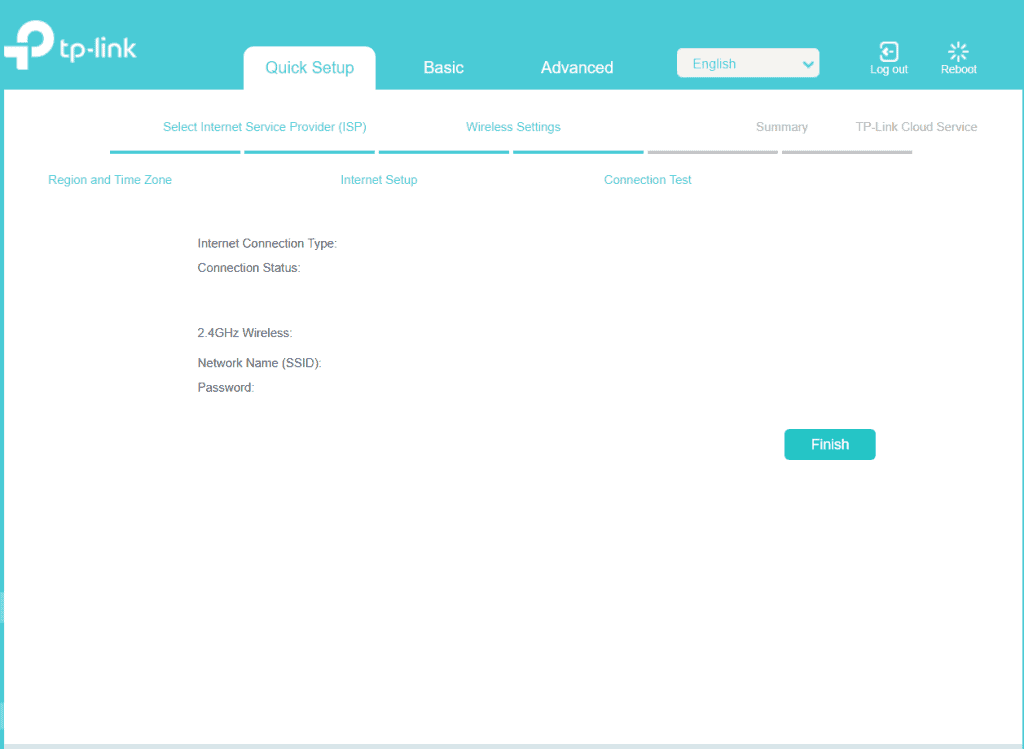
7. In the next window select FINISH -< SAVE